
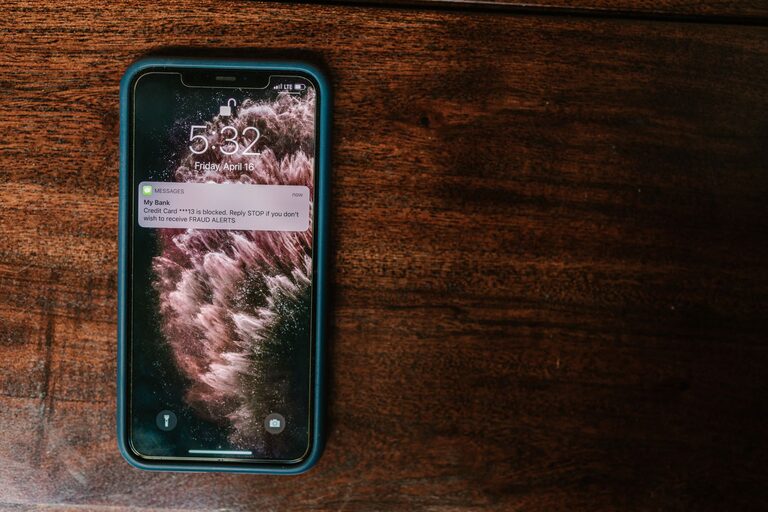
In today’s digital world, notifications are everywhere — from smartphones to laptops and smartwatches. While they can keep us informed and connected, constant alerts can also lead to distractions, stress, and a feeling of being overwhelmed. Setting clear boundaries with notifications is essential to maintain focus, protect your mental well-being, and reclaim your time.
This post will guide you through practical strategies for managing notifications so you can enjoy a more balanced and productive life.
Why Setting Boundaries with Notifications Matters
Notifications are designed to grab your attention. But when they arrive nonstop, they can interrupt your workflow, disrupt your rest, and make it difficult to be fully present in the moment. Over time, this can increase stress and reduce overall productivity.
By setting boundaries, you decide when and how you want to receive updates, helping you stay in control rather than feeling controlled by your devices.
Tips for Setting Boundaries with Notifications
1. Audit Your Notifications
Start by reviewing which apps and devices send you notifications. Some alerts are important—like calendar reminders or family messages—while others may be unnecessary.
– Go through each app’s notification settings.
– Disable or limit alerts that don’t add real value.
– Consider turning off notifications for social media apps, games, or news unless you check these manually.
This initial clean-up reduces noise and makes the notifications you do receive more meaningful.
2. Use Do Not Disturb Modes Strategically
Most devices have a “Do Not Disturb” (DND) feature that silences notifications during certain times.
– Schedule DND for your sleep hours to ensure uninterrupted rest.
– Use it during focused work periods or meetings.
– Customize exceptions so that important calls or messages can still come through if needed.
Using DND allows you to create technology-free zones without missing critical information.
3. Customize Notification Settings per App
Not all notifications are equal, even within one app.
– Adjust settings so you only get alerts for key events (e.g., direct messages but not likes or reactions).
– For email, set filters to notify you only about urgent or priority messages.
– Explore granular options in apps to tailor notifications to your needs.
This reduces unnecessary interruptions and helps you prioritize responses.
4. Choose Notification Sounds Carefully
Sound alerts can be jarring or calming depending on your choice.
– Select subtle notification tones to minimize distraction.
– Use vibration or visual cues for less urgent notifications.
– Silence notifications completely during focused work or relaxation times.
Custom sounds can condition you to respond appropriately without stress.
5. Limit Notifications to Specific Hours
Establish “notification windows” during the day when you check your messages, such as morning, midday, and evening.
– Outside these windows, silence or mute notifications.
– This approach helps prevent constant checking and promotes deeper focus.
You can communicate your availability to colleagues and friends, so they understand your boundaries.
6. Use Technology to Your Advantage
Consider apps and tools that help manage notifications:
– Notification management apps can batch alerts and show summaries instead of frequent pop-ups.
– Focus or productivity apps can block notifications temporarily.
– Smartwatches or other wearables can help you decide which alerts to prioritize.
These tools assist in creating balanced notification habits.
7. Communicate Your Boundaries
Let people in your personal and professional circle know when and how you prefer to be contacted.
– Explain your notification boundaries at work to set expectations.
– Share your preferred communication times with family and friends.
– Encourage understanding about why you may not respond immediately.
Clear communication supports your efforts and reduces pressure to stay constantly connected.
8. Review and Adjust Regularly
Technology and habits evolve, so regularly revisit your notification settings.
– Reflect on what’s working and what’s not.
– Update preferences as your schedule or priorities change.
– Stay mindful about new apps or devices that may add unnecessary alerts.
Ongoing adjustments help maintain a healthy balance over time.
Benefits of Healthy Notification Boundaries
When you manage notifications wisely, you can enjoy several positive outcomes:
– Enhanced focus and productivity with fewer interruptions.
– Better quality sleep and more restful downtime.
– Reduced stress and digital fatigue.
– Improved work-life balance and presence in relationships.
– Greater control over your digital life.
Final Thoughts
Notifications are a useful tool, but without boundaries, they can overwhelm your day. Taking control by auditing alerts, using device features, customizing settings, and communicating with others can transform your experience.
Start small—try one or two tips today—and gradually build a notification strategy that fits your lifestyle. The result will be a calmer, more focused, and balanced digital life.